
Mullvad VPN
Mullvad VPN is a privacy-focused VPN provider whose open-source Windows app connects to its servers using an anonymous account number instead of an email.
Windows
Open source

Urban VPN for Windows is a free VPN client that encrypts your connection and lets you choose server locations without a paid subscription.
Average 0.0 · ratings: 0
Thank you! Your rating is saved; you can change it. Could not save the rating. Please try again later. Too many ratings from your network today. Please try again tomorrow. The average appears after 5 ratings.
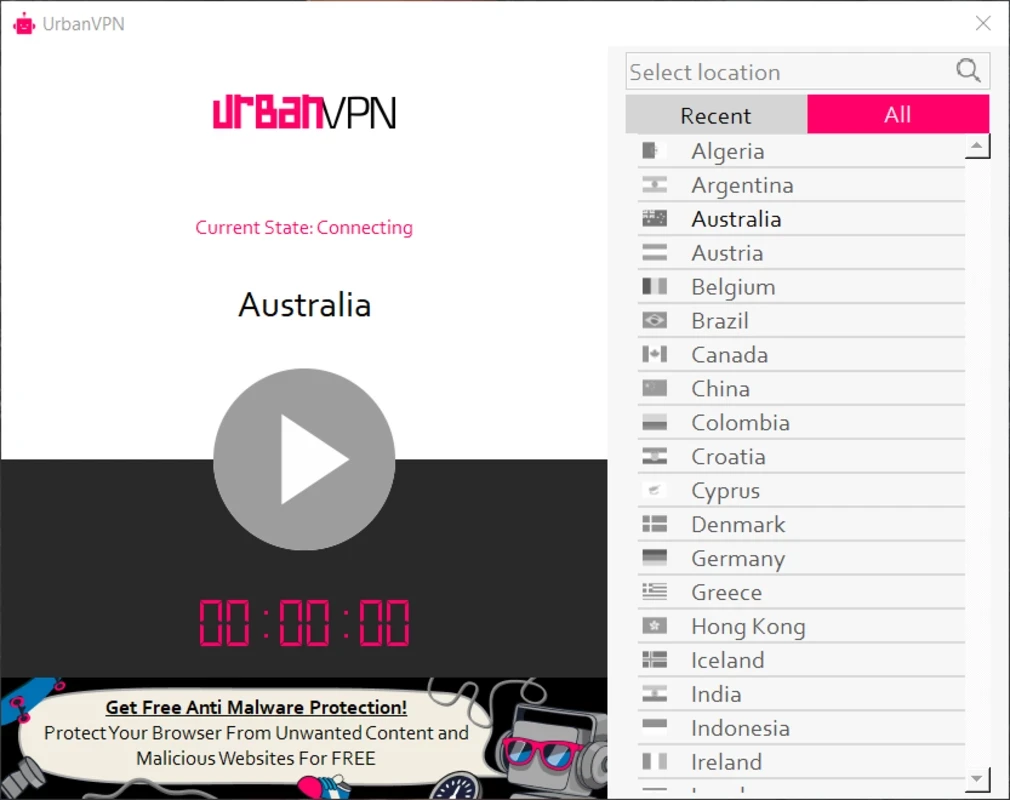
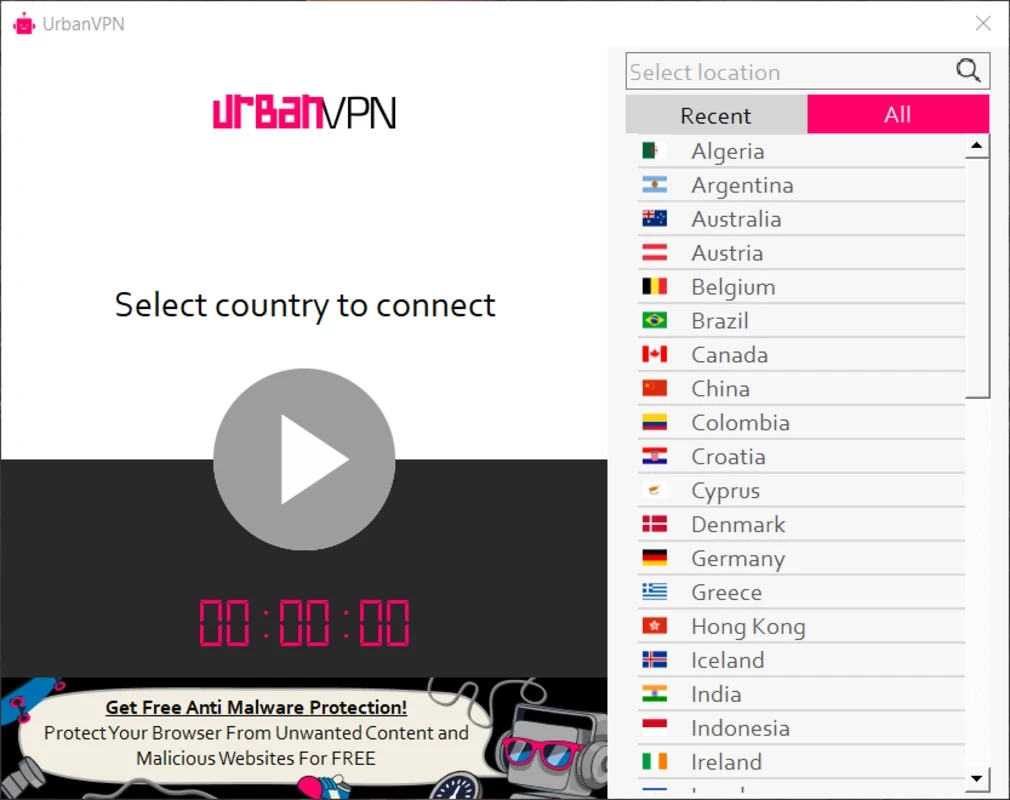
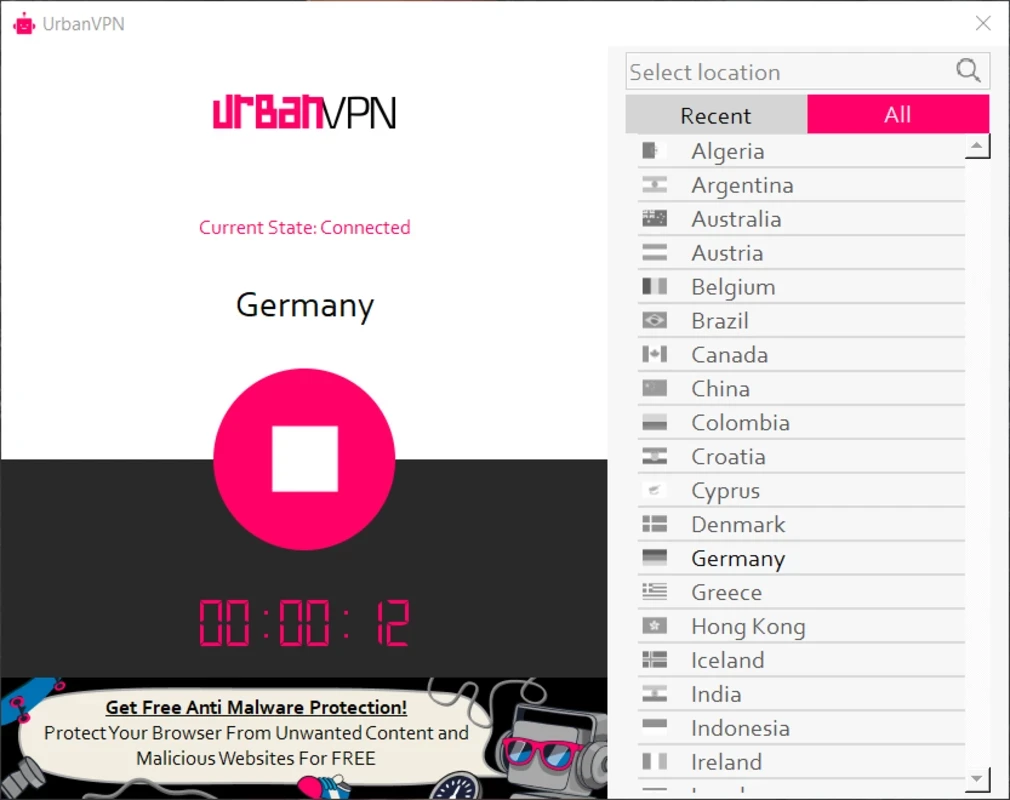
Urban VPN 5.2.4.9174 is a free VPN client for Windows from the Urban VPN service. It connects your PC to a server in a location you choose, encrypts traffic on the way and shows websites the server's IP address. The client costs nothing, and you can download Urban VPN for Windows from urban-vpn.com.
Urban VPN targets people who want a VPN without paying for one. Its main attraction is that it is free: you install the client, pick a country and connect. That suits occasional use, such as protecting a laptop on hotel or airport Wi-Fi, checking how a website looks from another country, or trying a VPN before deciding whether to pay for a commercial service. It is less suited to users who handle sensitive work data, journalists and activists who need strong, audited privacy guarantees, or anyone who wants to be sure their browsing data is not used for other purposes. Running a VPN network costs money, and a free service has to cover those costs somehow, through advertising, data-related business or upgrades. Urban VPN describes its model in its privacy policy, and reading that policy before you connect is the single most important step. If the terms make you uncomfortable, a paid provider with a clear no-logs policy, or a free tier from a provider whose business is subscriptions, is the better route.
| Item | Details |
|---|---|
| Version | 5.2.4.9174 |
| Developer | Urban VPN |
| Platform | Windows |
| Licence | free |
| Size | about 62.99 MB according to catalogue data |
Changes in new versions are listed in the Urban VPN release notes.
If the client connects but pages do not load, try another location or restart the PC so the network adapter resets. Other VPN software or strict antivirus firewalls can interfere; uninstall VPN clients you no longer use. When you remove Urban VPN, check that its network adapter is gone too.
If privacy is your priority, look at Proton VPN, Mullvad VPN or Windscribe VPN in our listings. TunnelBear, Hotspot Shield and NordVPN are other well-known services.
Mullvad VPN is a privacy-focused VPN provider whose open-source Windows app connects to its servers using an anonymous account number instead of an email.
Proton VPN is a VPN service from Proton AG. The open-source Windows app encrypts your connection and routes it through Proton's servers.

Psiphon is a free and open-source internet censorship circumvention tool for Windows that connects you to blocked websites through its own network.

1111 Warp VPN is Cloudflare's WARP client for Windows, which encrypts DNS and traffic between your PC and Cloudflare's network.

Turbo VPN for Windows is a VPN client from Innovative Connecting that encrypts your connection and routes it through the provider's servers.

Proxifier is a Windows program by VentoByte that sends the network traffic of any application through a proxy server, even if the app has no proxy settings.

VPN Planet is a Windows VPN client from FreeVPNPlanet with a free option, available from its website and the Microsoft Store.

Radmin VPN is a free Windows program from Famatech that connects computers over the internet into a virtual local network, for LAN games and remote access.

v2rayN is a free, open-source Windows GUI client by 2dust for Xray, v2ray and sing-box proxy servers, with subscriptions and routing rules.

Hotspot Shield is a VPN app for Windows that encrypts your internet connection and changes your virtual location.